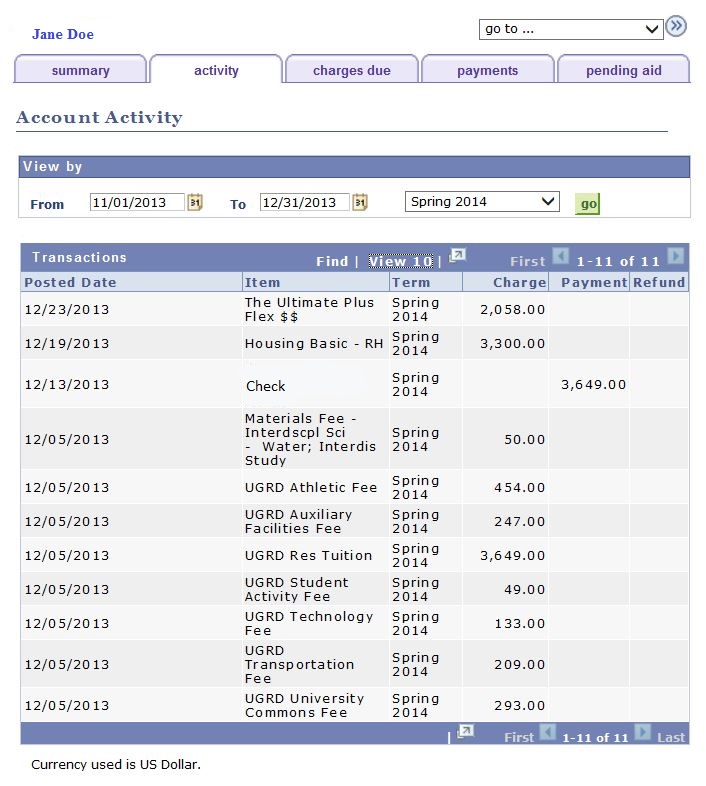
To view your most recent account balance follow these easy steps.
- Sign into your myUMBC account.
- Click on the arrow next to your name at the top of the page.

3. Click on Profile and you will see your current account balance in the Billing box..

4. To see more detailed information click on View More at the bottom of the Billing box. This shows your account activity information, payments received, financial aid that has posted and much more!